
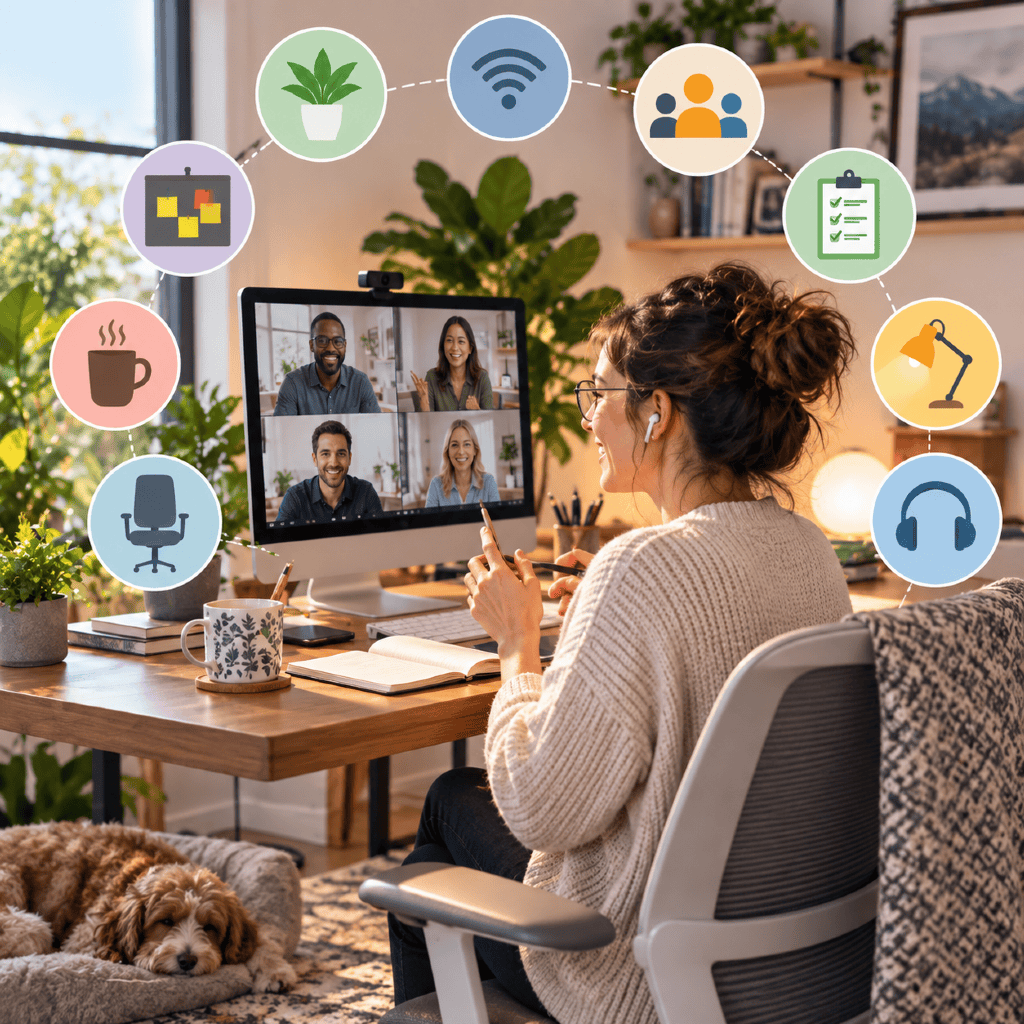
Key Takeaways
- Effective home office setups blend technology, comfort, and structured team routines to support collaboration and well-being.
- Adapting your workspace to evolving trends helps your team stay productive and connected.
A thoughtfully designed home office can transform how your team interacts and performs. From technology to team norms, understanding what makes a collaborative remote environment gives you a practical edge. Here are nine essential tips to refine your workspaces and elevate your team’s performance in 2026 and beyond.
What Defines an Effective Home Office?
Core elements of a productive workspace
You need a space that’s not only functional but intentionally organized. Essentials include a reliable workstation, comfortable seating, adequate lighting, and tools for easy communication. Quick access to what you need reduces friction and sets the tone for efficient work.
Balancing function and comfort
An effective home office balances comfort and utility. While ergonomics reduces fatigue and discomfort, personal touches—like artwork or plants—can support mental well-being without compromising focus.
Common misconceptions about remote offices
One widespread misconception is that any space with a laptop qualifies as a home office. In reality, consistent productivity comes from dedicated, well-equipped spaces that separate work from leisure, minimize distractions, and support routine.
How Can Workspace Layout Foster Collaboration?
Desk placement and virtual proximity
Even when working remotely, layout matters. Position your workspace so you can join video calls easily and access shared screens comfortably. Virtual proximity means keeping digital collaboration tools open and within easy reach—mirroring the convenience of being just a desk away.
Encouraging visual connectivity
Letting team members see one another (via webcams or shared spaces) helps maintain rapport. Good lighting and a tidy background on video calls encourage openness and professional interactions, enhancing team cohesion.
Privacy considerations for teams
Balance is crucial. While openness supports communication, choose layouts and settings that also allow for private conversations or focused work. Use privacy screens or noise-canceling headphones as needed.
Tip 1: Invest in Reliable Technology
Essential hardware for remote teams
Equip each team member with up-to-date laptops or desktops, webcams, quality microphones, and headsets. Dependable monitors and collaboration accessories minimize technical issues and boost efficiency.
Stable internet for seamless communication
A reliable internet connection is the backbone of remote collaboration. Encourage team members to upgrade to high-speed internet and offer troubleshooting guidance to minimize meeting disruptions.
Tip 2: Prioritize Ergonomic Equipment
Choosing ergonomic chairs and desks
Support long-term health by investing in adjustable chairs and standing desks. Proper posture reduces fatigue and supports productivity during extended work sessions.
Benefits of adjustable accessories
Monitor risers, footrests, and keyboard trays help your team personalize their setup, further reducing discomfort and supporting a healthy work environment.
Tip 3: Optimize Lighting and Acoustics
Natural versus artificial lighting
Encourage access to natural daylight where possible—it boosts mood and alertness. When that’s not feasible, invest in adjustable LED desk lamps that closely mimic natural light and minimize eye strain.
Minimizing noise distractions
Background noise disrupts both concentration and virtual meetings. Use area rugs, curtains, or acoustic panels to dampen sound, and consider noise-canceling headphones for sharper virtual collaboration.
Tip 4: Standardize Collaboration Tools
Popular digital tool categories
Teams thrive when everyone uses the same set of collaboration platforms, such as video conferencing, instant messaging, task management, and shared document editors. Choose tools that integrate seamlessly to streamline communication.
Setting expectations for tool usage
Set clear guidelines for when and how to use each tool. Consistency avoids confusion and ensures every team member can access important information and participate fully.
Tip 5: Encourage Personalization with Boundaries
Promoting team well-being
Let team members personalize their home office space to reflect their style and boost morale—plants, photos, or color accents often uplift the environment. However, guide everyone on maintaining a workspace conducive to focus.
Maintaining professionalism in shared spaces
Set boundaries for items visible in the background of video calls. This keeps meetings professional and avoids unintended distractions for others on the team.
Tip 6: Set Clear Communication Protocols
Establishing norms for virtual meetings
Outline expectations for video calls—including start times, participation requirements, and use of cameras and mute buttons. This structure helps meetings stay productive and engaging.
Asynchronous versus synchronous work
Clarify which tasks need real-time collaboration and which can be addressed via messages or shared documents. This reduces unnecessary meetings and gives your team the flexibility to focus when it suits them best.
Tip 7: Define Shared Digital Workspaces
Organizing folders and documents
Build a clear, logical folder system on your team’s shared drive. Use consistent naming conventions and easy-to-navigate structures so everyone always knows where to find and save key documents.
Best practices for document versioning
Educate your team on version control—using file histories or naming protocols to track changes. This avoids confusion, reduces duplicate work, and ensures everyone works from the latest document.
Tip 8: Schedule Regular Check-Ins and Breaks
Balancing productivity and wellbeing
Daily or weekly check-ins keep teams connected, catch issues early, and help maintain motivation. Likewise, scheduled breaks encourage your team to reset and avoid burnout.
Sample schedules for remote teams
Consider starting each week with a team huddle, holding regular mid-week check-ins, and closing with a Friday recap. Encourage everyone to take short breaks after focused work blocks.
Tip 9: Address Security and Privacy Concerns
Security basics for remote teams
Teach your team to use strong passwords, keep software updated, and spot phishing attempts. Use secure Wi-Fi connections and enable two-factor authentication where available.
Promoting responsible data handling
Set guidelines for handling, sharing, and storing sensitive documents. Remind team members not to use personal devices or unsecured channels for work data unless authorized and protected.
How Can Teams Adapt Home Offices in 2026?
Adapting to changing remote trends
Remote work in 2026 will keep evolving. Staying adaptable—whether that means integrating new digital tools or experimenting with flexible work routines—keeps your team agile and engaged.
Future-proofing your home office
Regularly review and update your technology, security practices, and workspace layout. Encourage ongoing feedback from teammates to ensure your home office setups remain relevant and effective as work styles change.